From CSR to SSR: How We Improved SEO on a Lovable/Vite React Tool Site
No fluff. Exactly what we changed, what improved, and the prompt you can reuse.
CSR vs SSR (very brief)
CSR (Client-Side Rendering): browser gets a JS app shell first, then JavaScript renders page content.
SSR (Server-Side Rendering): server returns HTML with page content already rendered, then client hydrates it.
Most Lovable-built apps are CSR by default because they are generated as modern React SPAs (usually Vite-based) optimized for fast frontend iteration. That is great for product speed, but for SEO-heavy route pages, SSR gives stronger initial HTML signals.
How to check if your site is CSR or SSR
- Open the page you want to test.
- Right click → View Page Source.
- Check if route-specific tags are present in source and match the actual page content:
<title>meta name="description"link rel="canonical"- OG/Twitter tags (if used)
If these are missing or generic in source, the page is likely CSR-first for bots. If they are correct in source HTML per route, SSR (or prerendered HTML) is working.

What Google/Bing does when metadata is same on every page
If many pages expose the same title/description in source HTML, search engines can treat those pages as weakly differentiated. Then Google/Bing may show repeated or rewritten snippets across different URLs.
Result: page-specific keyword relevance drops, and it becomes harder to rank individual tool pages for their own intent. This is exactly why route-level title and description must be unique and visible in initial HTML.
What we changed
- Moved from CSR-first rendering to true Vite SSR + Node rendering.
- Kept hydration on the client using hydrateRoot.
- Rendered route-specific SEO tags server-side (title, description, canonical, OG/Twitter, robots, JSON-LD).
- Cleaned duplicate/conflicting head tags from static template.
- Added proper route status handling (real 404 instead of always 200).
- Updated sitemap/robots and submitted important URLs using IndexNow.
What improved
- Page source now contains correct per-page title/meta in initial HTML.
- Crawlability improved for tool routes.
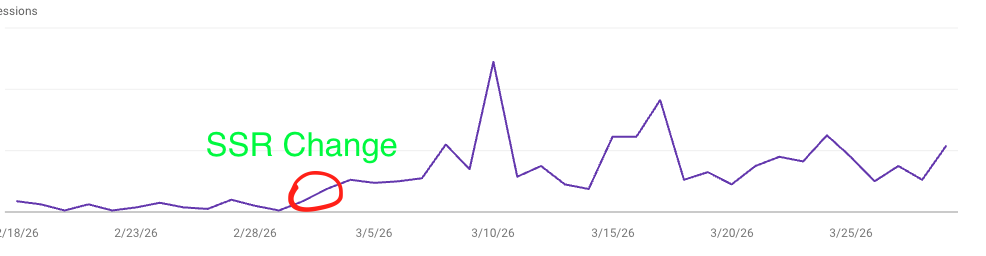
- Search Console showed better indexing momentum after release.
Prompt to convert a website (copy-paste)
I have a React + Vite website currently running as CSR.
Convert it to production-ready SSR with Node.

Goals:
1) Server-render route HTML with React Router + renderToString.
2) Keep client hydration with hydrateRoot.
3) Ensure page-specific SEO tags are rendered in initial HTML:
   - title, meta description, canonical, robots, OG, Twitter, JSON-LD.
4) Remove duplicate/conflicting static tags from template.
5) Return proper HTTP status per route (200/404).
6) Keep existing routes and UI intact.
7) Add/update sitemap.xml and robots.txt.
8) Provide deployment changes (build client+server, start SSR server).
9) Provide validation commands:
   - curl check for title/meta in HTML source
   - route status checks

Output format:
- Step-by-step plan
- Exact file edits
- Final checklist
After SSR: what your indexing setup should look like
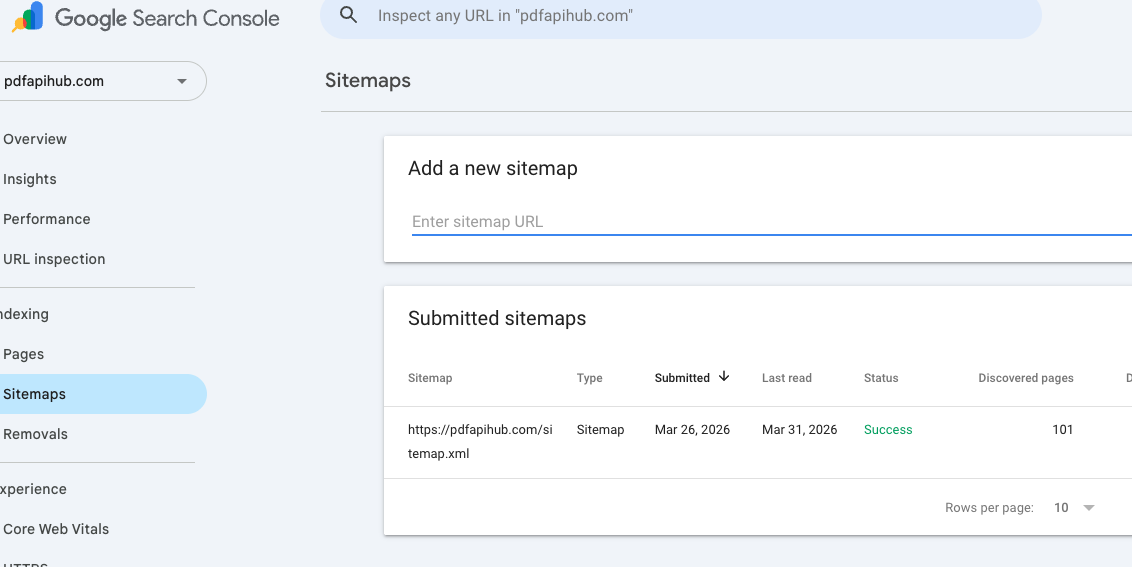
After rollout, your indexing setup should start looking like this. It can take some time to propagate. Do not forget to submit your sitemap in Google Search Console.
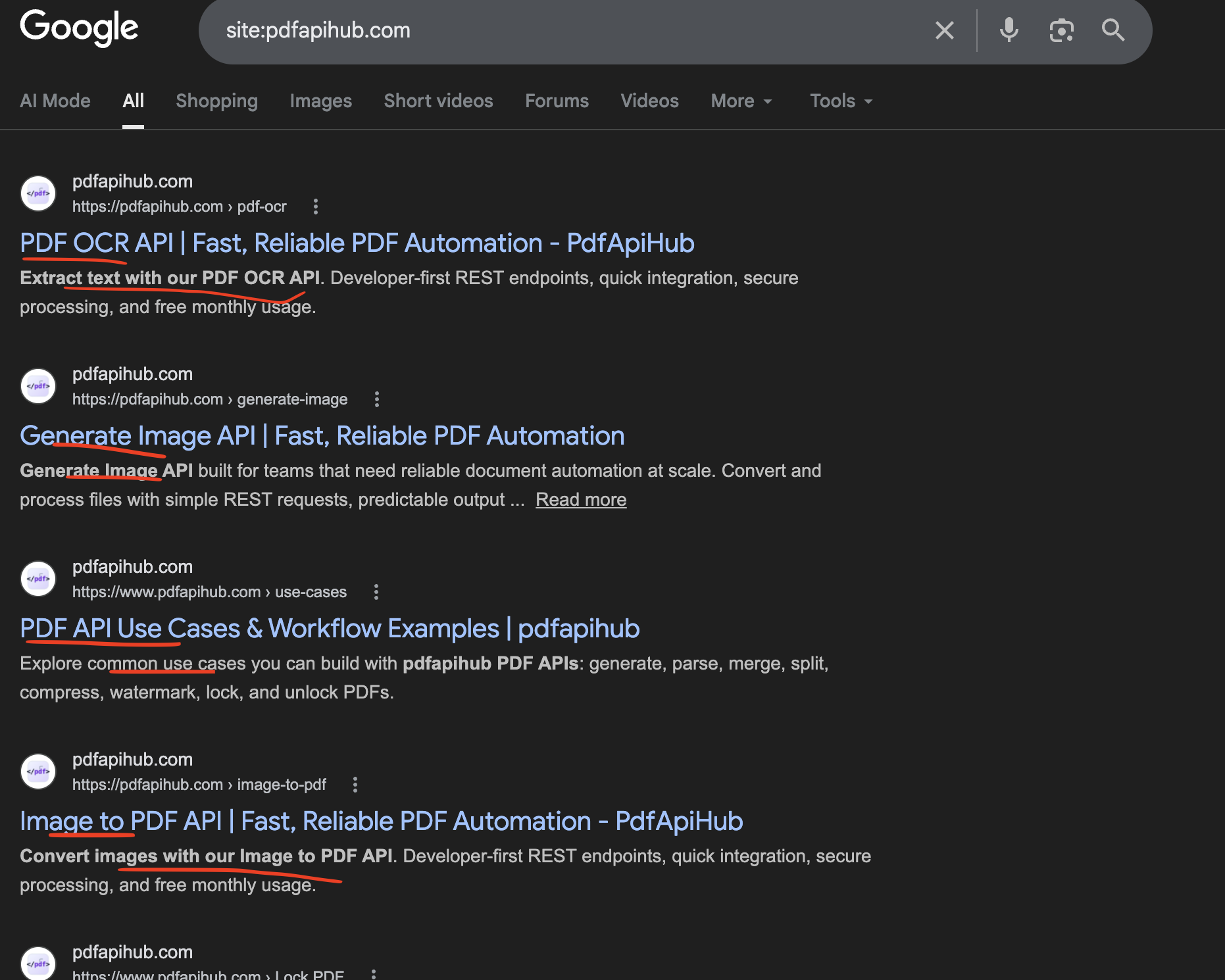
Impressions after adding SSR